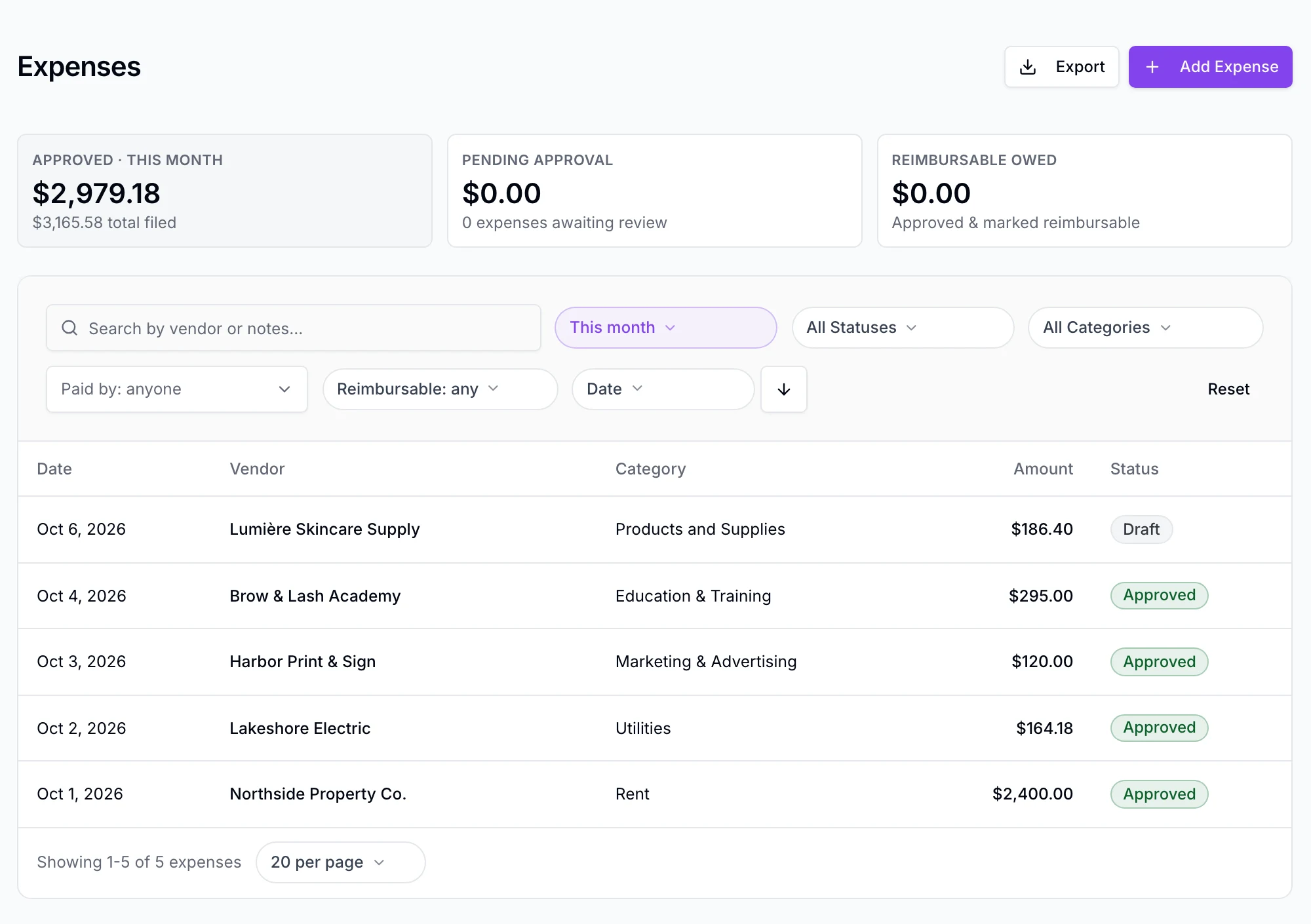
The details that make an expense useful
Record vendor, amount, date, location, who paid, payment method, notes, and reimbursable status. Start with ten beauty-business categories and edit them to fit your operation.
Track the operating costs that disappear into drawers and inboxes. Keep each receipt with its details, review it when needed, and export one organized bundle for your accountant.
Expense record
Treatment-room supplies
Accountant bundle
Staff web · manual entry · source receipt kept
From receipt to handoff
A focused expense record for spa and salon operators—not a general ledger wearing a prettier skin.
Record vendor, amount, date, location, who paid, payment method, notes, and reimbursable status. Start with ten beauty-business categories and edit them to fit your operation.
Snap or upload a receipt, then enter its details manually. Split one receipt across categories, add an optional inventory association, and keep the source image with the record.
Create monthly or yearly recurring expenses that generate as drafts. Vendor rules can prefill the category used for that vendor last time, ready for a person to check.
Turn on the optional Draft → Submitted → Approved workflow, with separate approval permissions and own-versus-all visibility. It stays off by default for smaller teams.
The boundary
EstheticSense does not calculate tax, profit, margin, or a P&L. An inventory association records context; it does not move stock.
The verified release is staff web only. There is no native-mobile expense claim, reimbursement payout, rejection state, multi-step approval, OCR, or receipt-email pipeline.
No. A receipt is attached to the expense, while vendor, date, amount, and category are entered manually. There is no OCR or AI extraction.
The accountant bundle contains a CSV, a ZIP of receipt images, and a summary PDF. It is an organized handoff, not a tax return or bookkeeping system.
No. The accountant bundle is the integration. EstheticSense does not sync expenses to QuickBooks or Xero and does not accept receipts through an email inbox.
See receipt capture, recurring drafts, approvals, and the accountant bundle in a guided demo.