
Gift cards

A thoughtful gift.
A reason to visit.

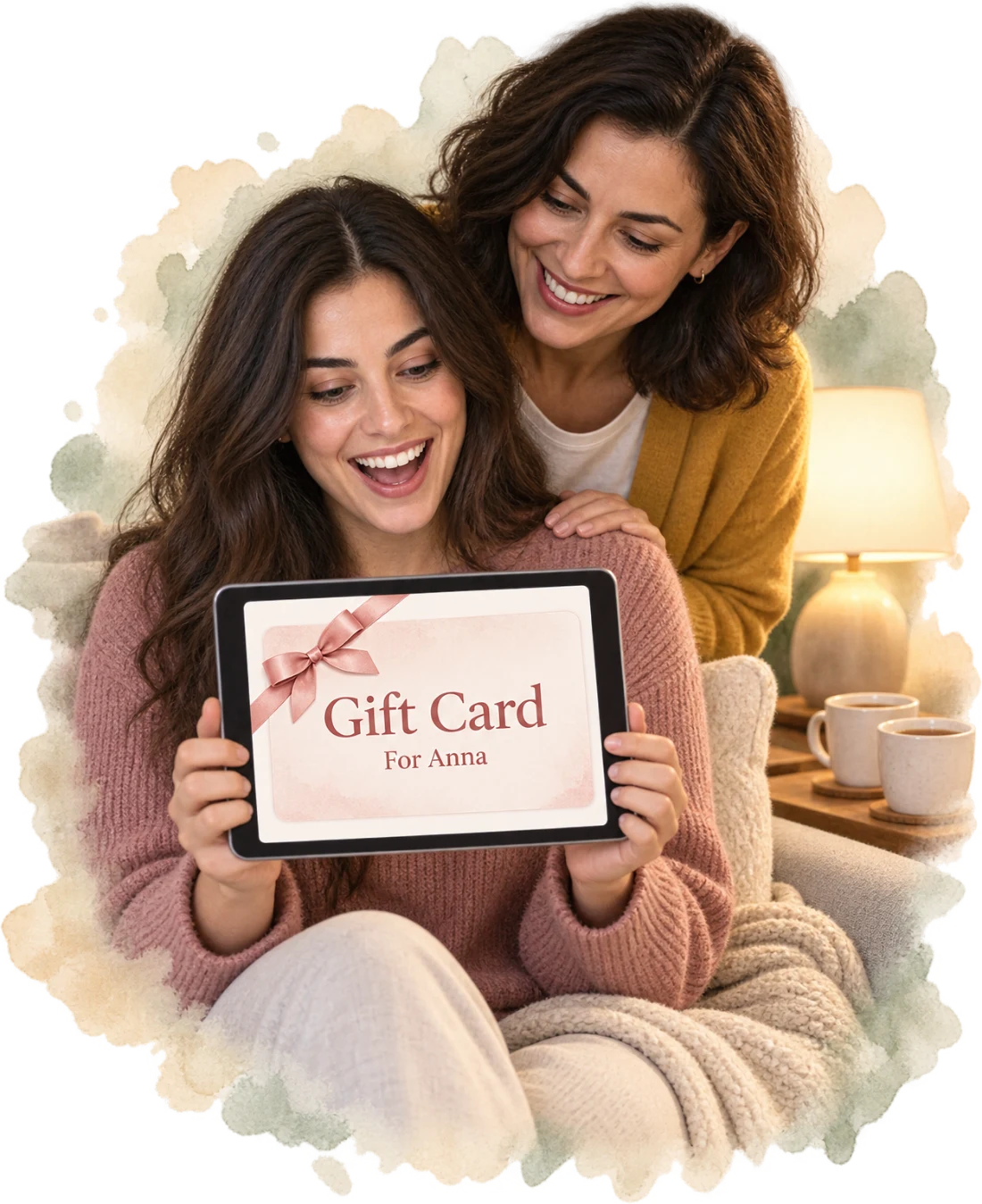
Sell gift cards online or at the desk. Add a personal message. Keep track of what’s left.

Illustrative online gift purchase

Online gifting

An introduction they can send from anywhere.

  • From your page or a link

    Choose the card, recipient and message. Pay by card online and see the code on confirmation.

  • Your amounts, or their own

    Set values or a custom amount within your limits.

  • Sent by email

    Email the recipient—or the buyer when no recipient email is given. The buyer gets a receipt.

At your front desk

A lovely last-minute addition.

Illustrative sale and gift delivery

Add a gift card to the sale. After payment, email it to the recipient from the same screen—or send it yourself later.

Desk sale and delivery options
  • A custom-amount card takes any amount within the range you set on it
  • Each sold card is issued once even after a repeated payment confirmation or retry; a sale refunded before issuance gets no card
  • See a preview of the card with the recipient’s name filled in as you type
One card, October to December

The gift comes back. The record comes with it.

See the balance, the visits it helped pay for and the history behind it.

Illustrative gift card · example value
  1. Oct 6

    Bought at the desk

    One card, with its own code.

  2. Oct 6

    Sent to Anna

    Sent with Julia’s personal message.

  3. Oct 22

    Used for a Signature Glow Facial

    Part of the balance used for a visit.

  4. Dec 12

    What’s left

    Remaining balance, expiry and transactions together.

Finding and updating a card

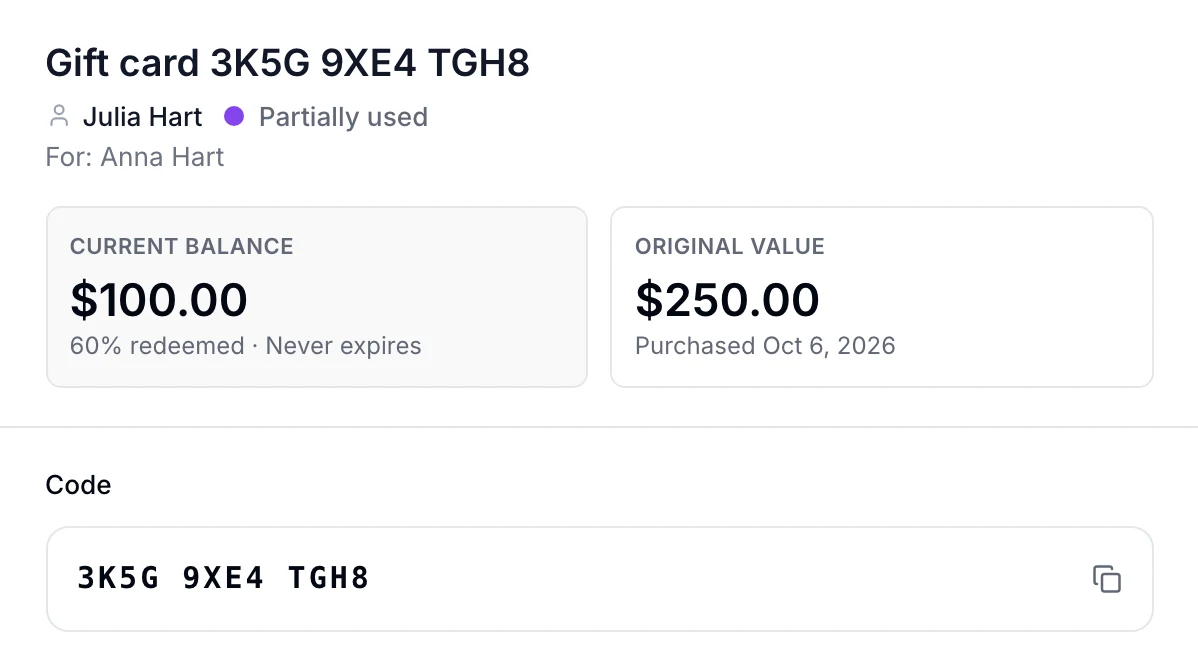
Type the card’s code and what’s left on it is right there, for team members who can’t manage gift cards too.

Illustrative balance lookup

  • Every card shows when it expires, or that it never expires
  • Managing cards needs permission to take payments for any client; anyone ringing up sales can check a code, and card design needs settings access
  • In the staff web app, Sales › Gift Cards lists the cards of the clients you can see, with code, owner, balance, status and whether each was sent
  • Send or resend its email, to the recipient on file or a new address
  • Change the recipient, the message or the expiry date; the code and balance stay as they are
  • See a client’s cards from their record and open any of them
  • Link a card that no client holds yet to a client
See the product card record
A gift card in EstheticSense: bought by Julia Hart for Anna Hart, partially used, with its current balance, its original value and purchase date, that it never expires, and its code.
Open full-size product capture (new tab)
Also included

The rest of Gift cards.

Grouped by the moment you need it.

Set up what you sell
  • Create cards in Catalog with a fixed value or custom amount range, and choose the price the buyer pays
  • On each card, choose whether it never expires, expires after a set number of months or follows your business default
  • Use your own artwork for the card and choose where the names and the amount are written, with a preview before you save
  • Turn online sales on or off, choose the location they’re billed to and set the amounts offered online
  • Get a link to your gift card page once online sales are ready, and share it from the web settings or the iPhone app
Terms and expiry
  • Buyers see your terms, such as expiry, refunds and cash value, before they pay, and the receipt and the card email repeat them
  • A card keeps the terms and expiry it was sold with when you later change its catalog settings
  • The person a card was sent to gets an email about 30 days and 7 days before it expires, while it still has value
Refunds and corrections
  • Choose whether gift card sales can be refunded
  • Refund the sale of a card that hasn’t been used, and the card is voided so its value can’t be spent
  • For a card that has been partly spent, void it first; the refund then returns at most what was left on it
  • Refunding a sale paid with a card returns that amount to the same card once; when the card has since been voided, you can give store credit instead
  • Void a card with a reason, removing its remaining value; it stays in the list as Voided with its history
  • When a client disputes the card payment for a gift card, a manager sees it and decides what happens to the value left
  • A card’s recorded bonus value is held above what was paid; refunds return at most the paid value. Creating new gift-card bonus offers is not available yet
Online and in their account
  • Reload after paying and the same purchase finishes with the same card, without charging again
  • A buyer who can’t finish paying can have a one-use link emailed and finish the same purchase on another device
  • A client who holds the code of a usable card nobody owns yet can add it to their Client Account; a card sold at the desk stays with its buyer
Cards from before, and closing
  • Record a card you sold before, on paper or in another system, with its printed code, balance and expiry
  • Closing your EstheticSense account settles, refunds or exports the balances your clients still hold
On iPhone
  • Open Gift cards from More, search by code or client and open a card’s details
  • Sell a card through the iPhone checkout
  • The Gift cards screen shows an Unredeemed total for cards that can be spent now

Before you decide

Switching from another tool?

Plan the move before anything changes at your business.

Plan the switch →
What does it cost?

See what the one plan includes.

See pricing →
Not available yet

Printed cards with barcodes, a public page where clients look up a balance, adding or removing value by hand, scheduling delivery for a later date or sending by text message, paying with a gift card when booking or buying online, a checkout inside your own website and the Android app aren’t available yet. Your gift card terms are yours to set; EstheticSense gives you the settings, not legal advice.

Related Memberships & PackagesPayments & checkoutClientsOnline booking

Give someone a reason to discover you

Make your business a thoughtful gift.

See the experience from choosing a card to welcoming the person who receives it.

$19 first provider · $149 maximum per location