
AK Alex Kim Assistant · Main Studio
Oct 16 – Oct 19 · 4 days Family wedding · requested Oct 6
Decline Approve
1 appointment already booked that day ›
People, services, hours and access. One place to manage them.
For spas, salons & medspas.
Add people, keep profiles current and follow the setup steps on their record.
The checklist guides setup; it doesn’t guarantee readiness for every booking.
Choose their services and locations. Set a role, then adjust access.
Example staff setup
Jamie Foster
Set weekly hours. Review time-off requests. Your team can look up their hours and read your decision.
The booking count may be incomplete. Move existing appointments yourself. Decision notices aren’t sent.
Editing your own hours on iPhone isn’t reliable yet. Use the web app.
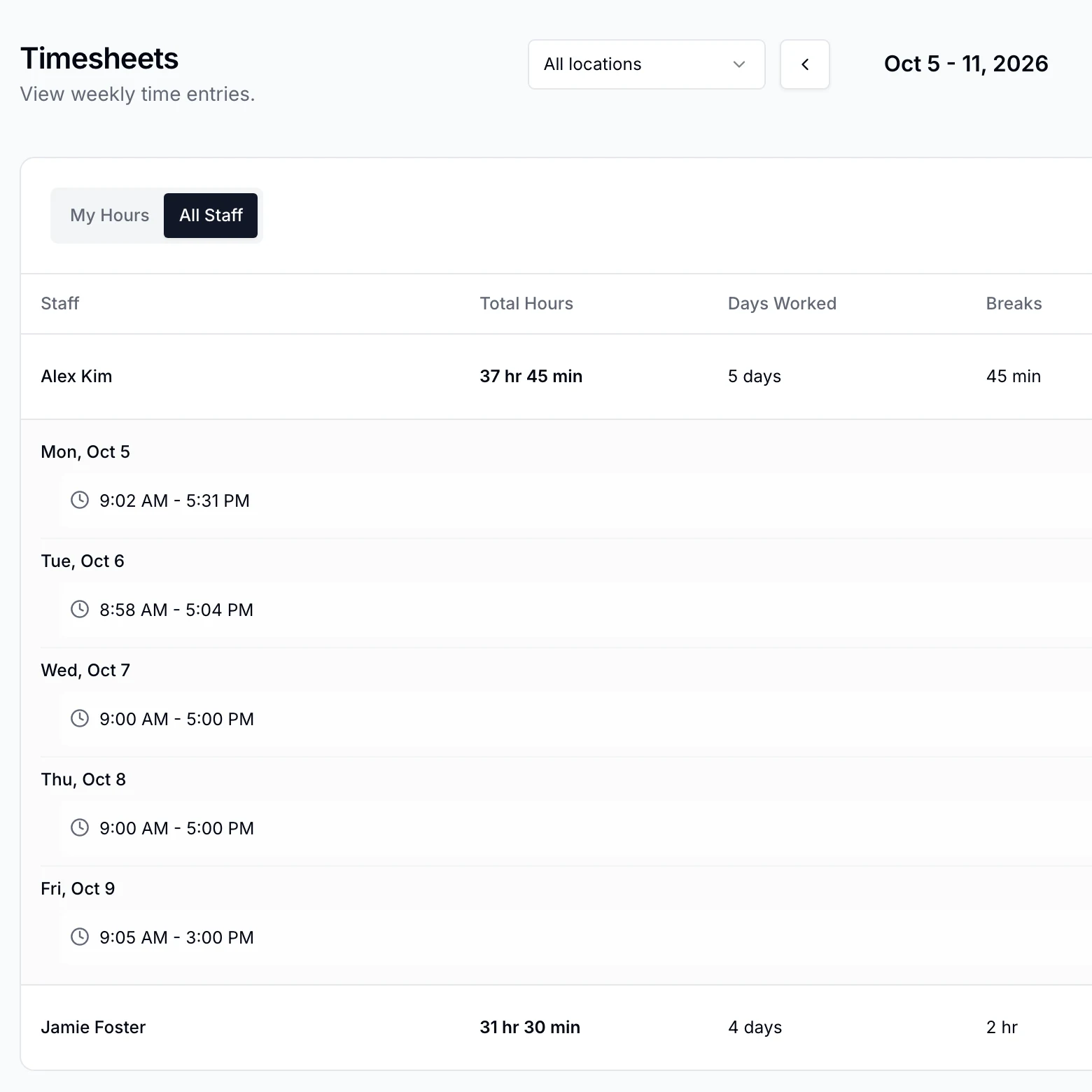
Your team records shifts and breaks as they go. You bring the week’s hours together.

An example shift · Alex Kim
Main Studio
Recorded separately
Shift finished
Their shifts, breaks and weekly total.
Clocked in, on a break or clocked out.
Their own time or the whole team’s, by permission.
Review corrections. Export finished shifts. Wage calculation and payroll stay with your existing process.
Payroll connections, pay-period timesheets, Excel downloads, shared stations, offline use, custom breaks, clock-out alerts, service-time comparisons and Android are not available yet.
No wage calculation, labor-law compliance checks or location surveillance. Clocking does not use face or fingerprint recognition.
Time Clock is included in the subscription. See pricing.
Related Commissions & tipsAppointments & calendarOnline booking
Explore a staff profile, responsibilities and availability in your demo. No preparation needed.